
Cupertino Lens for Mac Is Now in Beta
Sami Fathi · October 4, 2026
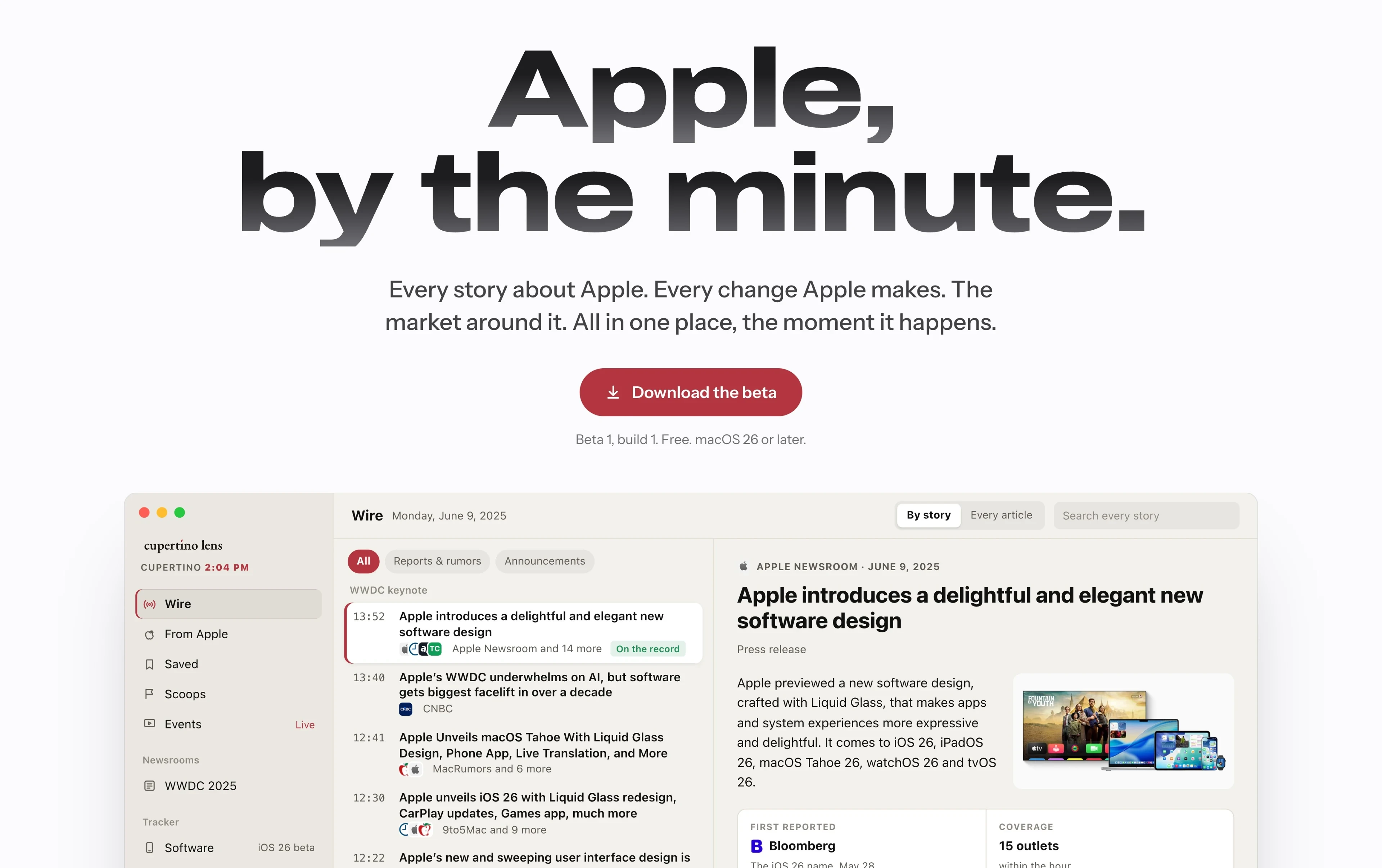
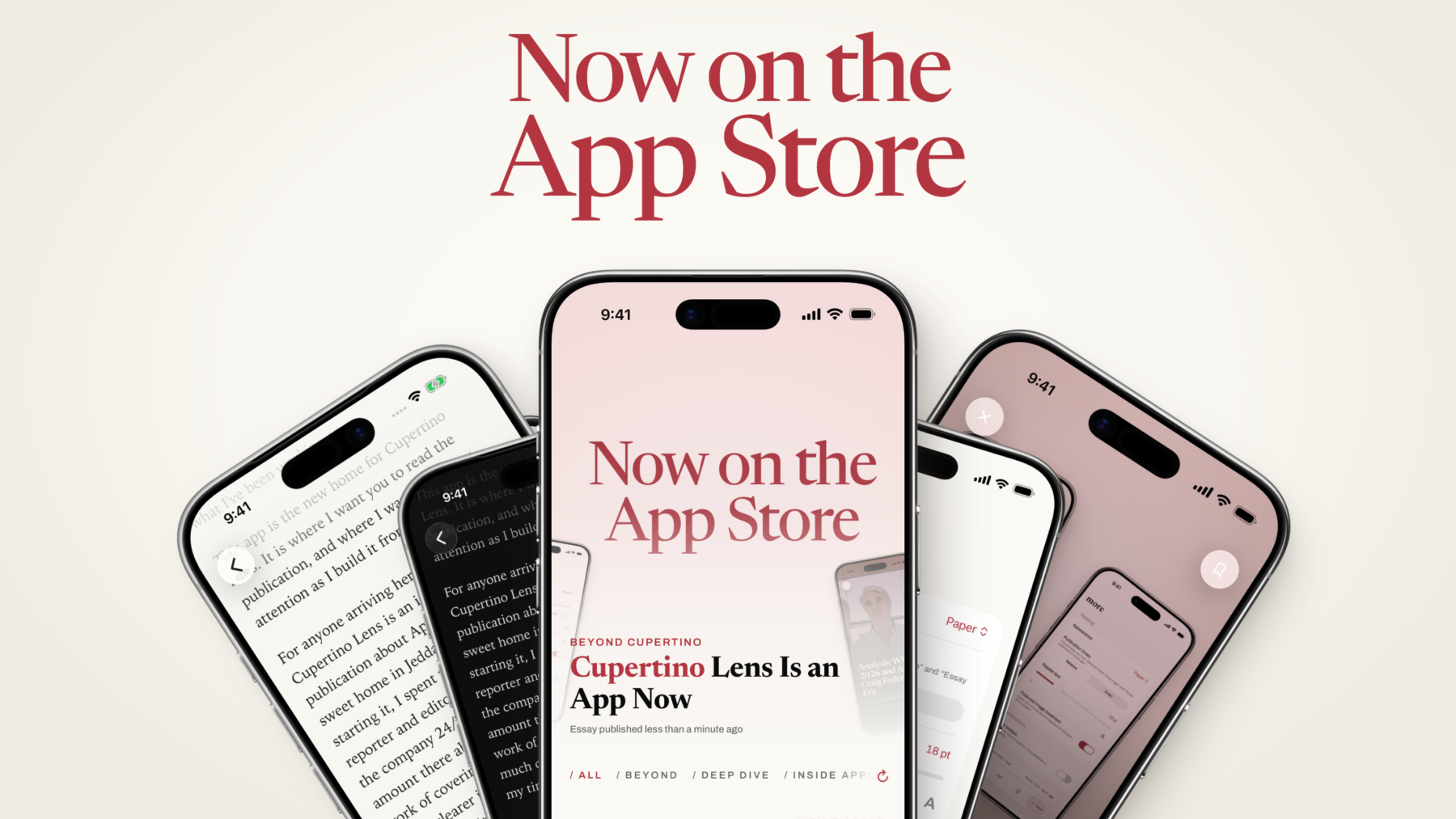
Cupertino Lens for Mac is available today as a public beta. It is free during the beta, and can be downloaded from cupertinolens.com/mac. It is also a somewhat strange thing for me to have built.
When the iPhone app launched last month, I wrote about how I began building Cupertino Lens because I wanted to stay with a subject after the news had moved on. So much of Apple coverage is about getting the next headline out first, and I wanted room to think instead. I still do, and yet the Mac app is the fastest thing I have ever made. It follows Apple by the minute. I do not think these two things pull against each other, and the rest of this post is my attempt to explain why.
Bloomberg Terminal, but for Apple
At MacRumors I covered Apple 24/7 for two years. Following the company properly meant watching everything at once, including every outlet, analyst, Apple’s own pages and servers, and the stock. Each of these lived in separate tabs, feeds and alerts that did not talk to each other.
The closest comparison to what I want is the Bloomberg Terminal. Traders keep it open all day because everything that moves their market, and the record behind it, is on one screen. Nothing like that exists for Apple, whether you are a reporter, an analyst, or one of those who follow the company more closely than is probably healthy (I include myself). This is what I want Cupertino Lens for Mac to become: professional software for covering, reporting and following Apple.
What It Does Today
Everything below is in beta, and some of it will be rough. That is the point of getting it out now.
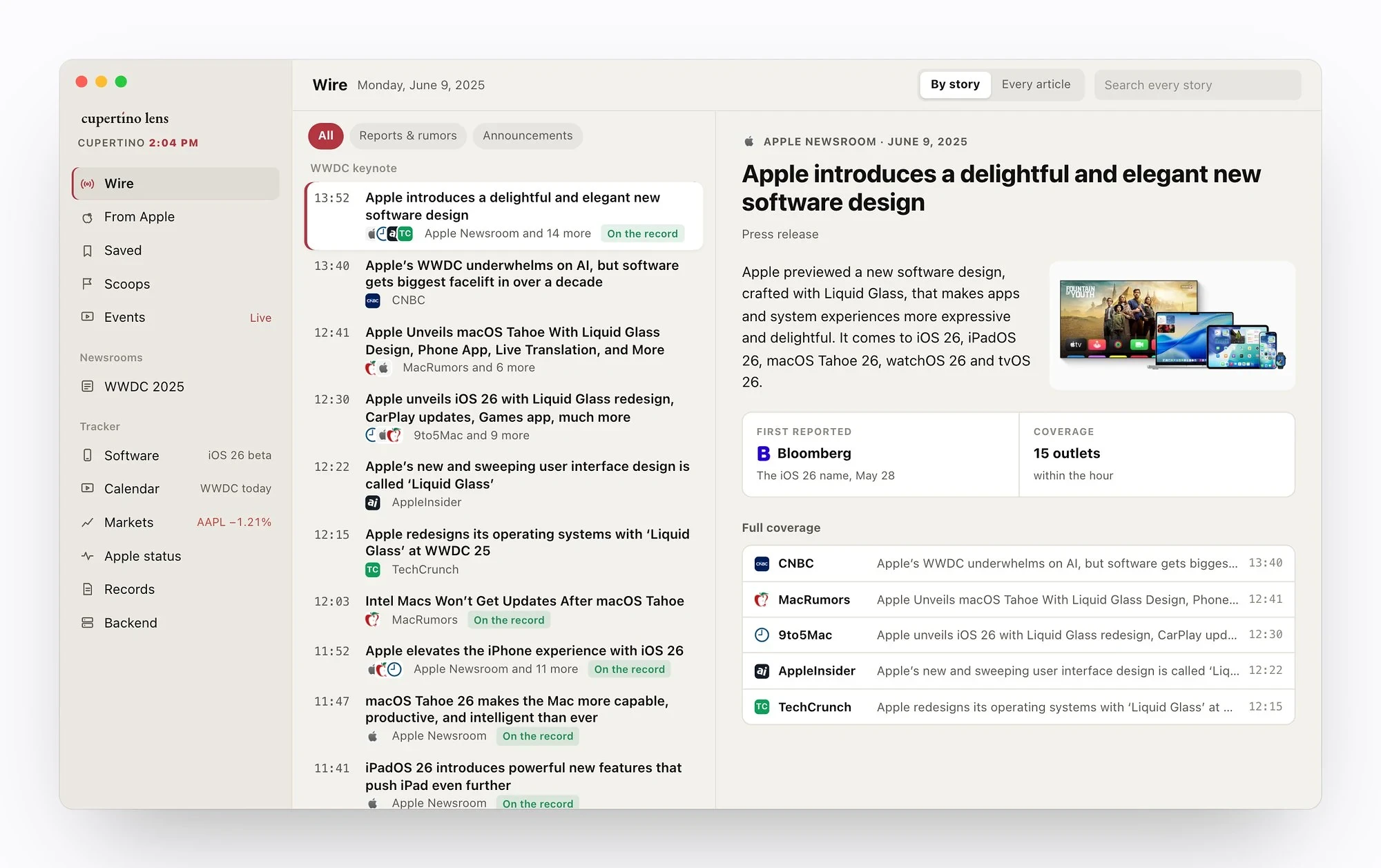
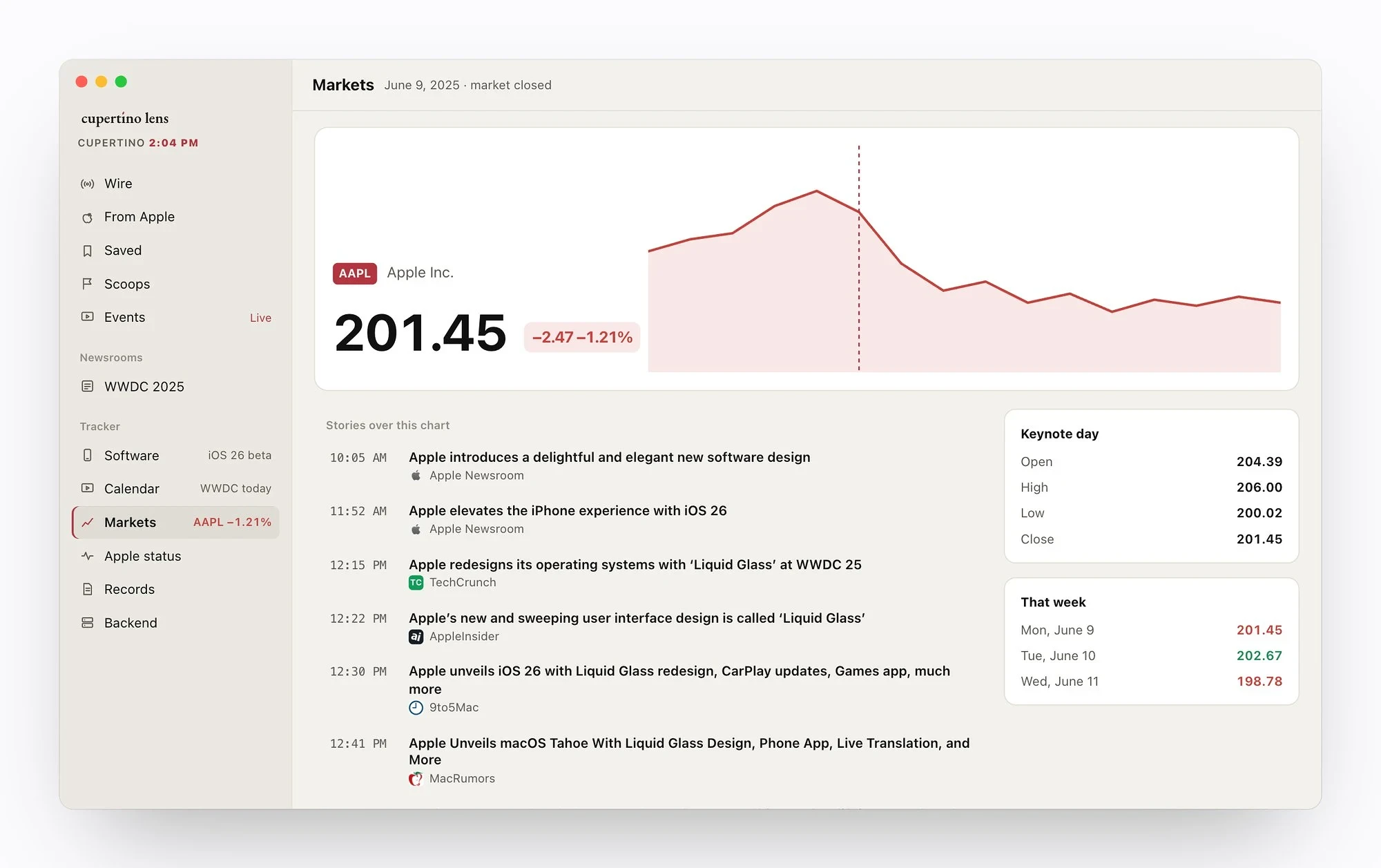
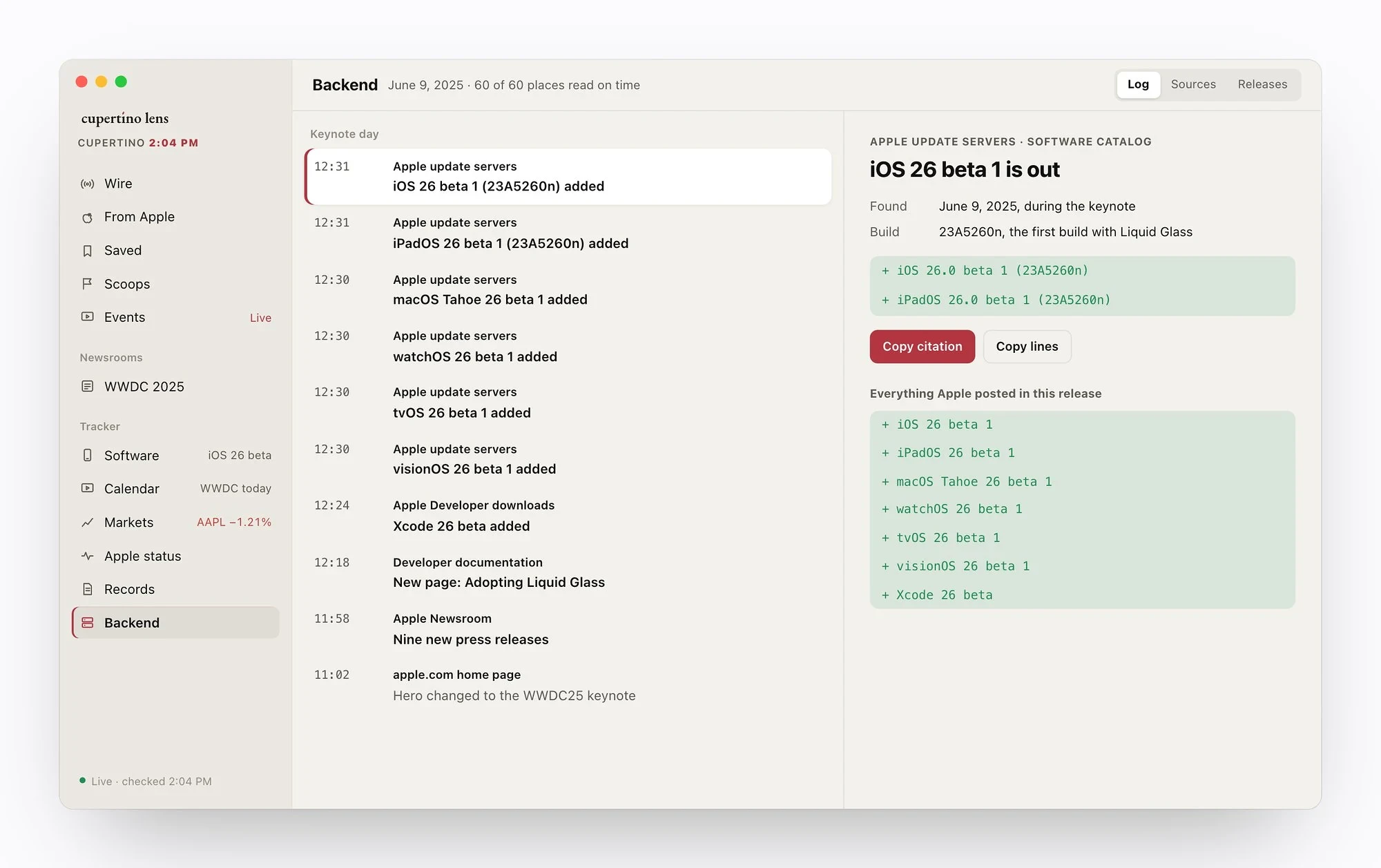
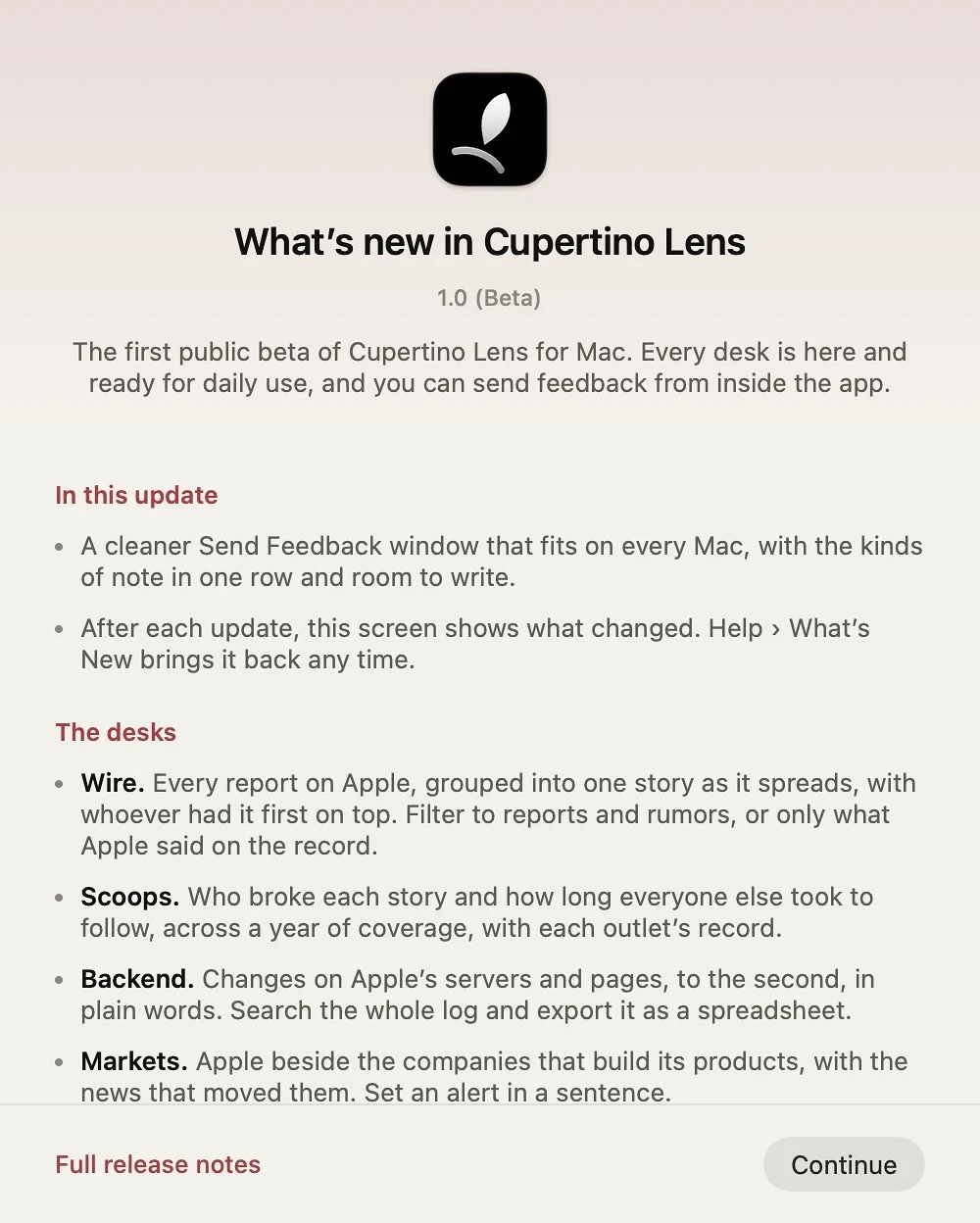
The idea is one live screen for everything said about Apple, everything Apple changes on its own, and the market that moves around it. When a story breaks, the app will gather every version of it and try to show you who had it first. When Apple changes something on its servers or site, the app will pick it up and explain it to you in plain words, though it will not catch everything yet.
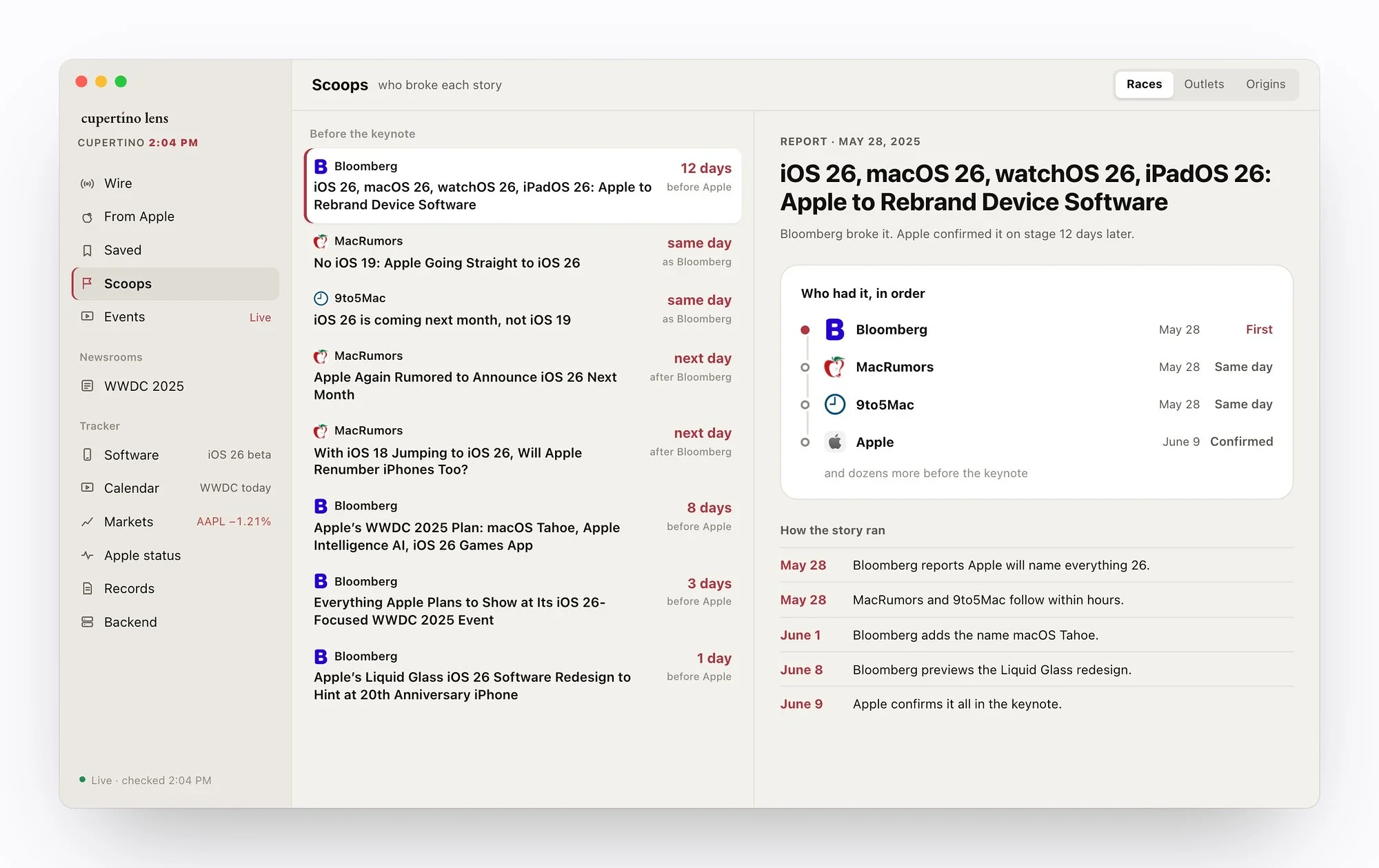
There are two things I would point you to first. You can take any story and trace it back to its original source, following the links and “according to” lines until you reach whoever reported it first. You can also build your own news dashboards, by hand or by describing what you want and letting Apple Intelligence lay it out, so that the app shows you the parts of Apple you care about and nothing else.
It is a proper Mac app, built for the keyboard and left open all day. There is no account, no ads and no tracking, and what you save remains on your Mac and in your own iCloud, in sync with the iPhone app.
Where It’s Going
I know a first beta does not get you the Bloomberg comparison yet. It is the direction that I am building in, and I would rather be open about how I am planning to get there.
Scoops, the part that works out who had a story first, will show more of how each race unfolded. The analysis around each story will go deeper so that the app tells you more about what a report means, not only when it landed. Backend tracking will become more reliable so that fewer changes on Apple’s side slip past. You will be able to watch any webpage you choose, with the exact part of it that you care about, and have it checked as often as every thirty seconds, for up to twenty pages at once. And the app will tie in more closely with the Mac itself, so that it fits into the way you work now.
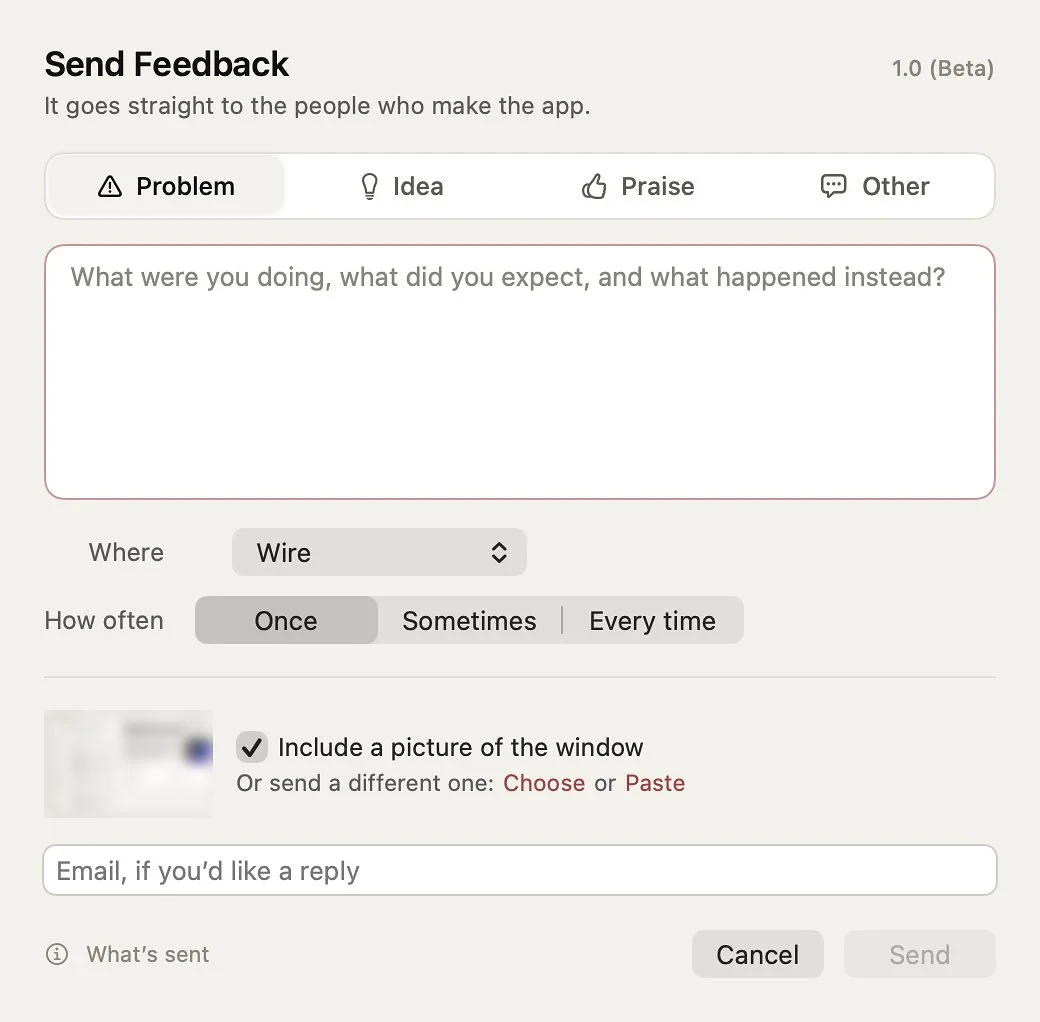
The order of all this is up to you. This is the place where feedback shapes the app more than anything I have planned, and there is a Send Feedback button at the bottom of the sidebar. I read every note.
About the Beta
The beta is free and runs on macOS 26 or later, on Apple silicon and Intel Macs. Updates install themselves, so you are always on the latest build.
When I started Cupertino Lens, I wanted to give covering Apple some of the care that Apple gives to its products. Most of that is about taking time. Some of it, it turns out, is knowing exactly what happened, when, and who saw it first.
I hope you will download it, leave it open, and tell me what is missing.